WordPress Tools
WORDPRESS TOOLS
- ✅ LIGHTENING FAST SSD CLOUD HOSTING
- ✅ FREE SSL CERTIFICATE WITH HOSTING PACKAGES
- ✅ CLOUD DELIVERY NETWORK PLATFORM
- ✅ SITEBUILDER FREE WITH EVERY HOSTING PACKAGE
STARTING AT JUST £4.99
30 Day Money Back Guarantee
More than just WordPress staging
Being able to create a WordPress staging site is a great feature. But Acorn Web Hosting’s WordPress Tools offers a lot more!
Save time by not having to sign in to the control panel for every WordPress website you manage. Just manage sites directly from the MyAcorn Web Hosting control panel, in bulk.
It’s convenient and user-friendly, and what’s best is that it’s included for no extra charge with all WordPress Hosting.
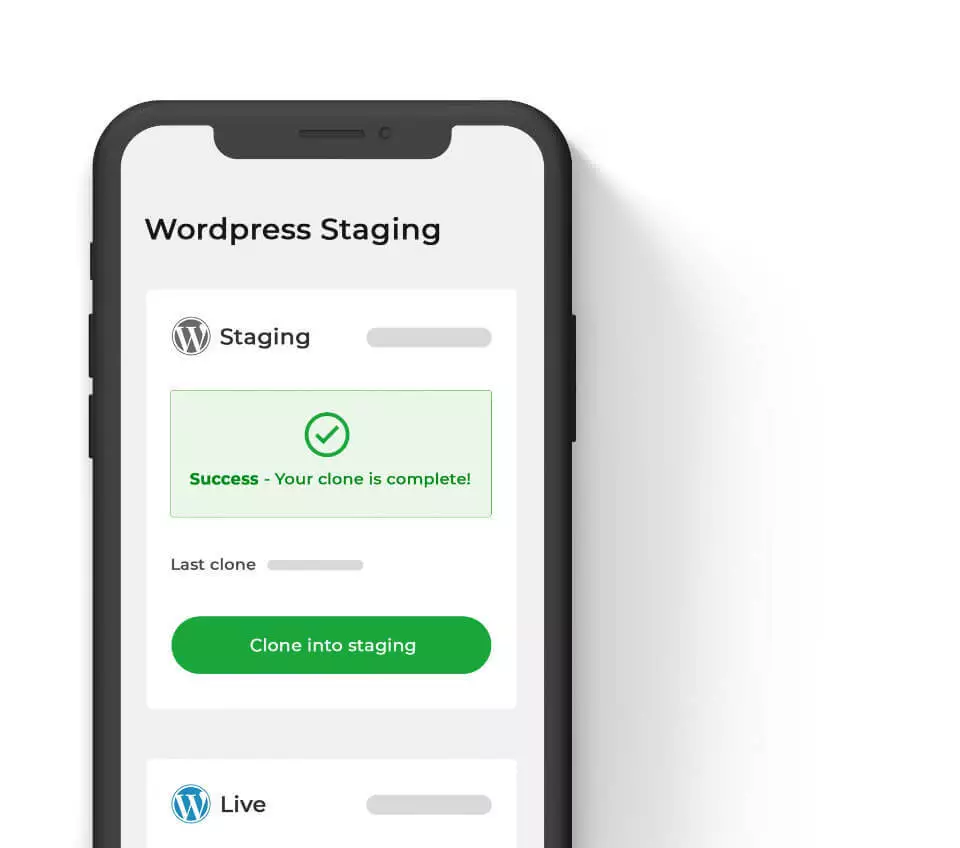
WordPress Staging in one click
A WordPress staging site is a clone of your live site, created independently on Acorn Web Hosting staging servers.
Staging allows you to test changes – whether that’s WordPress themes, plugins, code snippets – or any other kind of change. It’s a sandbox where you can afford to experiment: so have fun!
Develop or troubleshoot without your actions having an effect on the users of the live site. As web designers and developers know, a single plugin addition could have disastrous consequences. You don’t ever want to be acquainted with the infamous ‘white screen of death’ on a live WordPress website…
It’s simple: create a replica of your site with a single click. Then, carry out testing or add new content or code. Share your staging site with anyone and get feedback by giving them the ‘.staging’ URL.
Once everyone is happy with the changes, you can migrate those changes to the live site seamlessly. Your changes will overwrite your old content in a moment – and you’re done!
WordPress Checksum Report
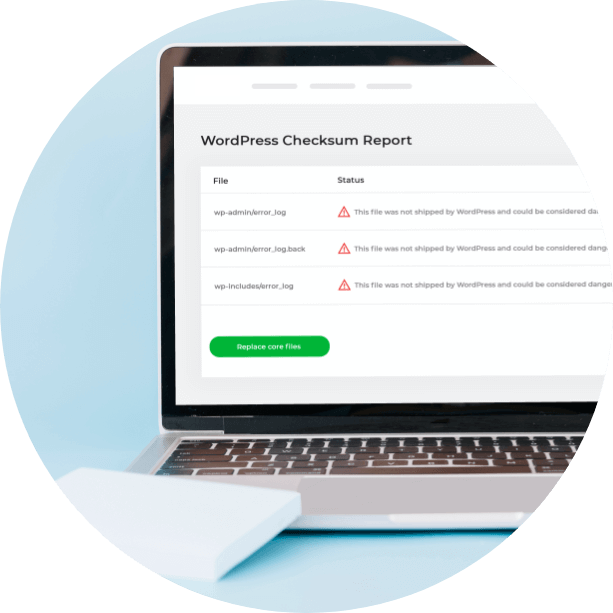
Worried that you might have been infected with malware? Or want to check that a malware fix has worked? This scan checks if your core files match what exists in the official WordPress core repository. If there’s something fishy about the code, WordPress Tools will let you know. It’s an extra level of protection on top of our malware scans and other hosting security features.
Theme Management
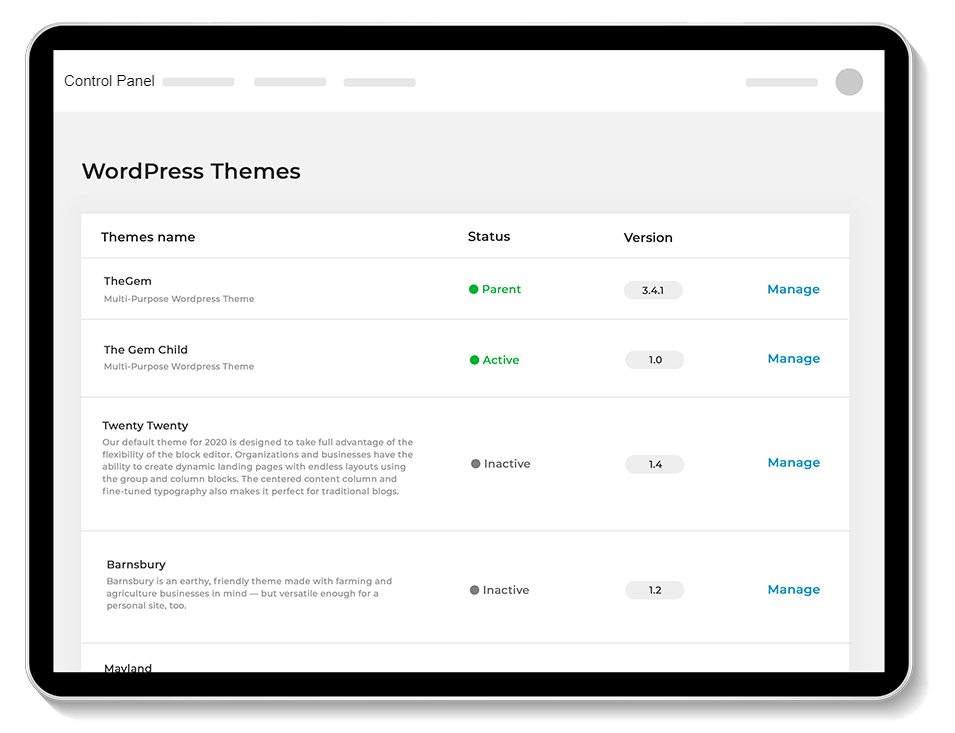
Having unused WordPress themes can affect site performance. Quickly see what themes you have installed, update them in bulk and activate or deactivate them. Spring-clean your site and maybe shave off some milliseconds in loading time.
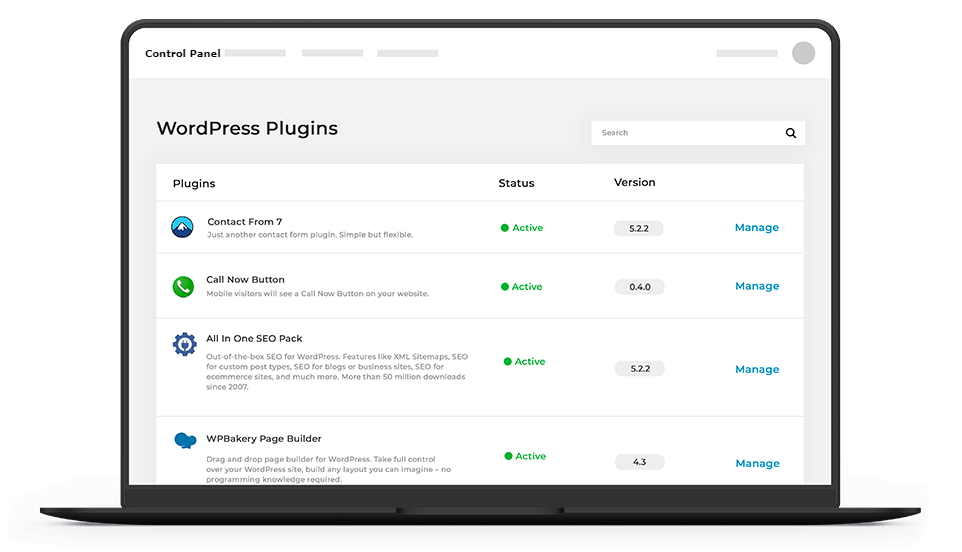
Plugin Management
Just like themes, too many plugins can contribute to slowdown. Not only that, but outdated, unsupported plugins can be a security risk. Ideal for those running multiple sites, WordPress Tools makes it quick and easy to add, remove or update plugins.
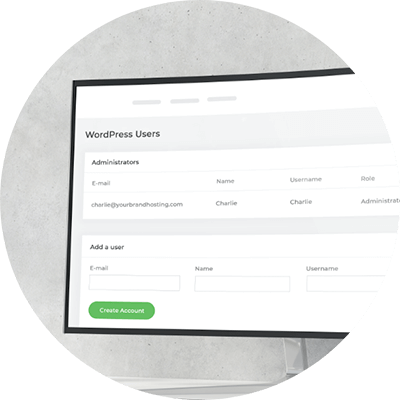
User Management
Got a collaborator or guest blogger to add? Or need to audit which staff have access? User Management lets you add WordPress roles, custom roles and set permissions. Even if we say it ourselves: it’s easier to do it in WordPress Tools than the WordPress dashboard!
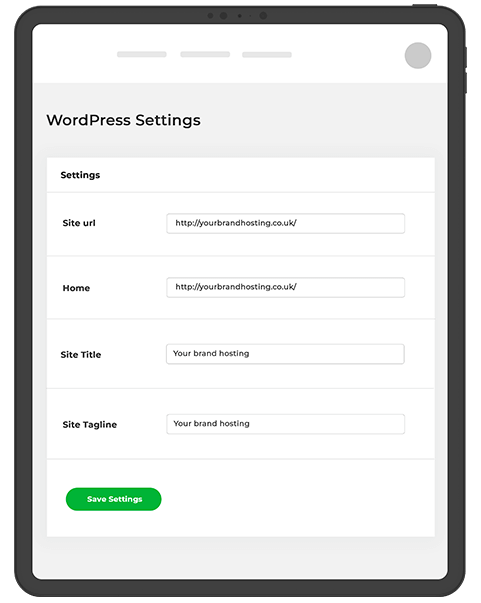
WordPress Settings: Site IDs and URLs
Change the identity of your site, fast and easily from our responsive control panel. Here you can check the Site Title, Site Tagline and basic URL settings, and change them if necessary.
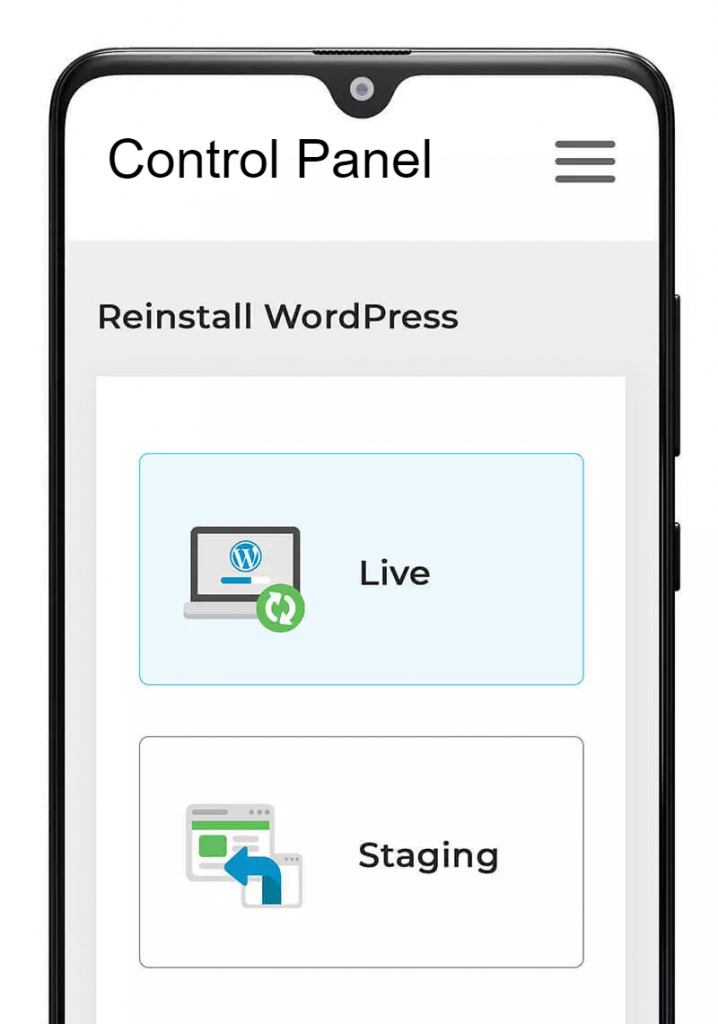
Reinstall WordPress
Sometimes it’s better to start afresh, rather than struggling with a broken website. Start over with a clean install on either your live or staging site. This will remove all your data – but we make sure you know this by having a check box to confirm that you’re aware.
Have any questions?
Talk to our WordPress Team.

Hosting & Service
Platform Features
Copyright 2026 © Acorn Web Host. All Rights Reserved. All Prices Exclude VAT.